Photos — a supporting act
Since it already sees all your photos…
This is not the pitch — finding every duplicate is. But once Keepory can see every photo you own, two more jobs come almost for free, and both run entirely on your own machine.
One · Camera vs. WhatsApp
Keep the photos you took. Clear the ones you were sent.
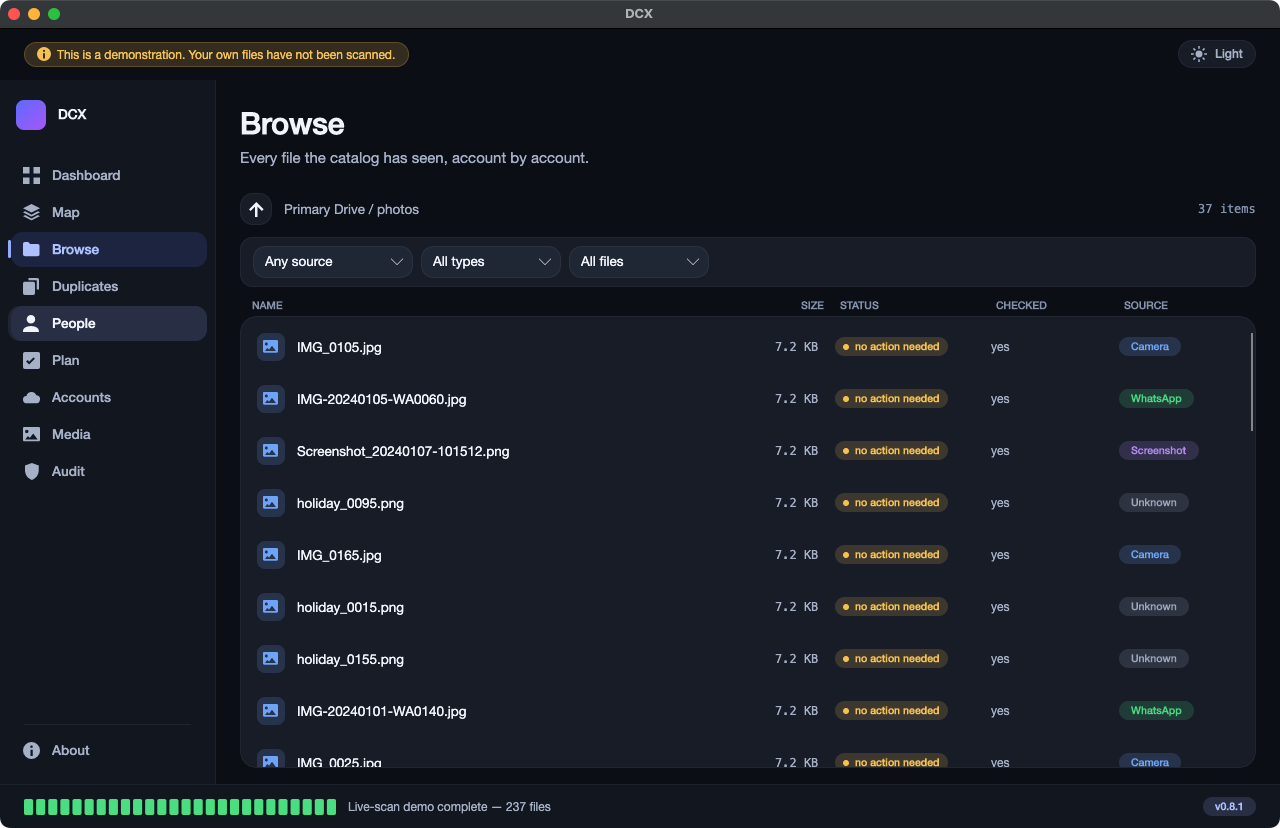
Not every photo on your computer is yours. Some you took. Some arrived on WhatsApp. Some are screenshots of a train ticket from 2019. Keepory reads each picture and writes next to it where it came from.
- Your own camera shots are marked as originals — the full-size pictures, with the day and the camera that made them still attached.
- Forwards are marked as forwards. A picture that came through a chat app has been made smaller and stripped on the way; the app can tell, and says so.
- Show one kind at a time. Ask for only the screenshots, or only the forwards, and clear a year of clutter in one sitting — without ever touching an original.
Two · People, on-device
Every photo of your mother, across thirty years and six drives
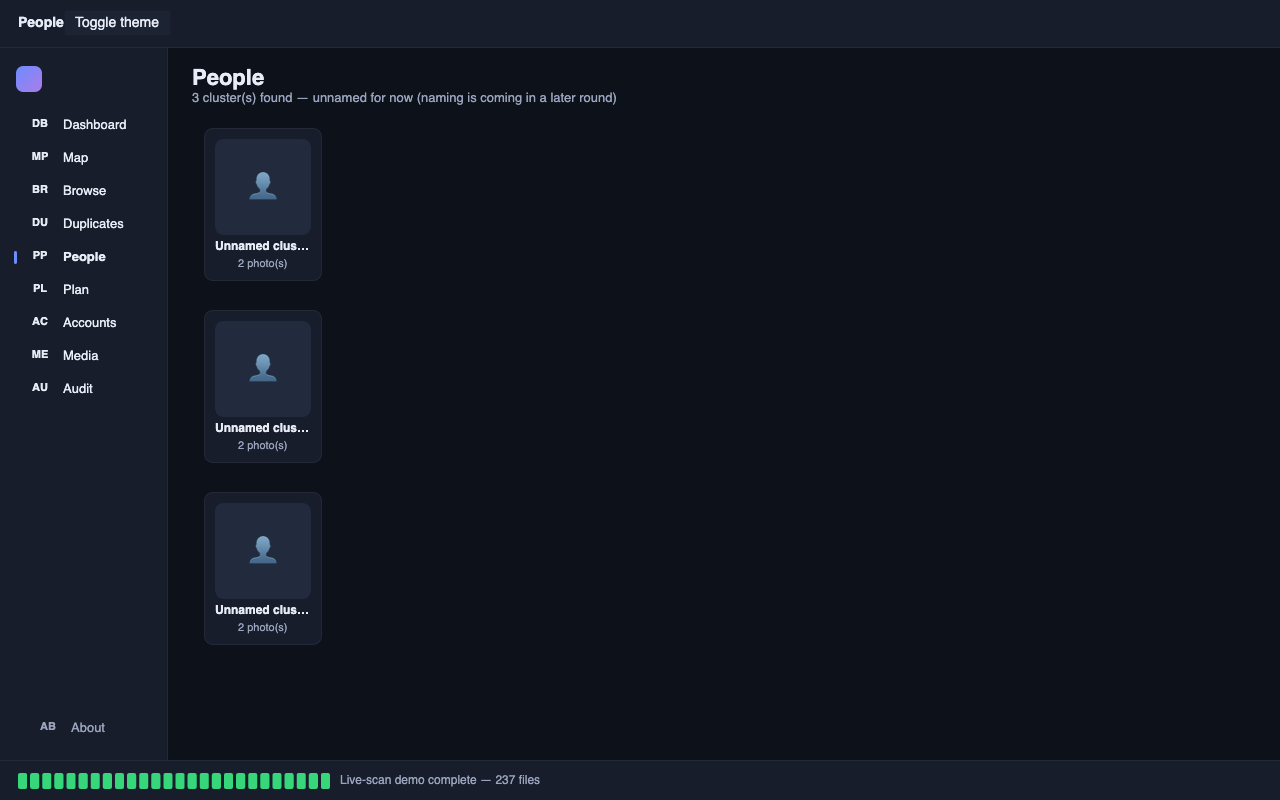
Keepory groups the photos that show the same person. You give a group a name once, and every picture of that person — on any drive, in any cloud account — comes together.
- It runs on your own machine only. No photo, no face and no name is ever sent anywhere. There is no online service behind it and nothing to sign up for.
- The names you give stay with you, inside a locked file on your computer, and you can rename or undo any group at any time.
- You can leave it switched off. Nothing else in the app depends on it.
The privacy vault: face pictures are held in a locked store on your own disk, never as loose image files elsewhere on your computer, and never uploaded anywhere.
This is a bridge to photographers and photo-heavy libraries later — but it is a follow-on, never the headline. The one thing Keepory does is find every duplicate everywhere.
Works on
Mac and Windows. Nothing uploaded.
On your machine
Both the camera-vs-forward labelling and the face sorting run entirely on your own computer — no photo leaves it.
Part of the one price
These are included with Keepory — not a separate add-on. See pricing →