Price
Free to find. Pay to clean up.
Finding every duplicate across your clouds and drives is free, forever — so you can see the whole picture before you spend a cent. You pay once, only when you decide to act. No subscription. No ads. Ever.
The app is not on sale yet. These are the prices it will open at.
Scan every cloud account and every drive at once, see every duplicate side by side, and see exactly how much space you could get back. This part never costs anything — it is how you check the tool is telling the truth before you pay.
A perpetual licence to delete, merge and move — yours to keep, not rented. Includes one year of updates; major new versions later are about $19, only if you want them. There is also a $59 household tier that covers several of your own machines.
One machine
$39 one-time
Perpetual licence for your own computer. One year of free updates. Major upgrades later ~$19, and only if you want them — never forced.
Household / multi-machine
$59 one-time
The same perpetual licence, covering several of your own machines — a Mac at home and a Windows laptop, say. Same one-year-of-updates terms.
Pay once, own it. No subscription, no monthly fee, and no ads anywhere in the app or on this site — that privacy is the whole point of Keepory.
Launch pricing shown — the owner may still adjust the figures before the app goes on sale for owner. What the price pays for: Google and Microsoft change their systems every few months, and the app has to keep working through it; your one year of updates covers that, and the occasional paid major upgrade keeps it going after.
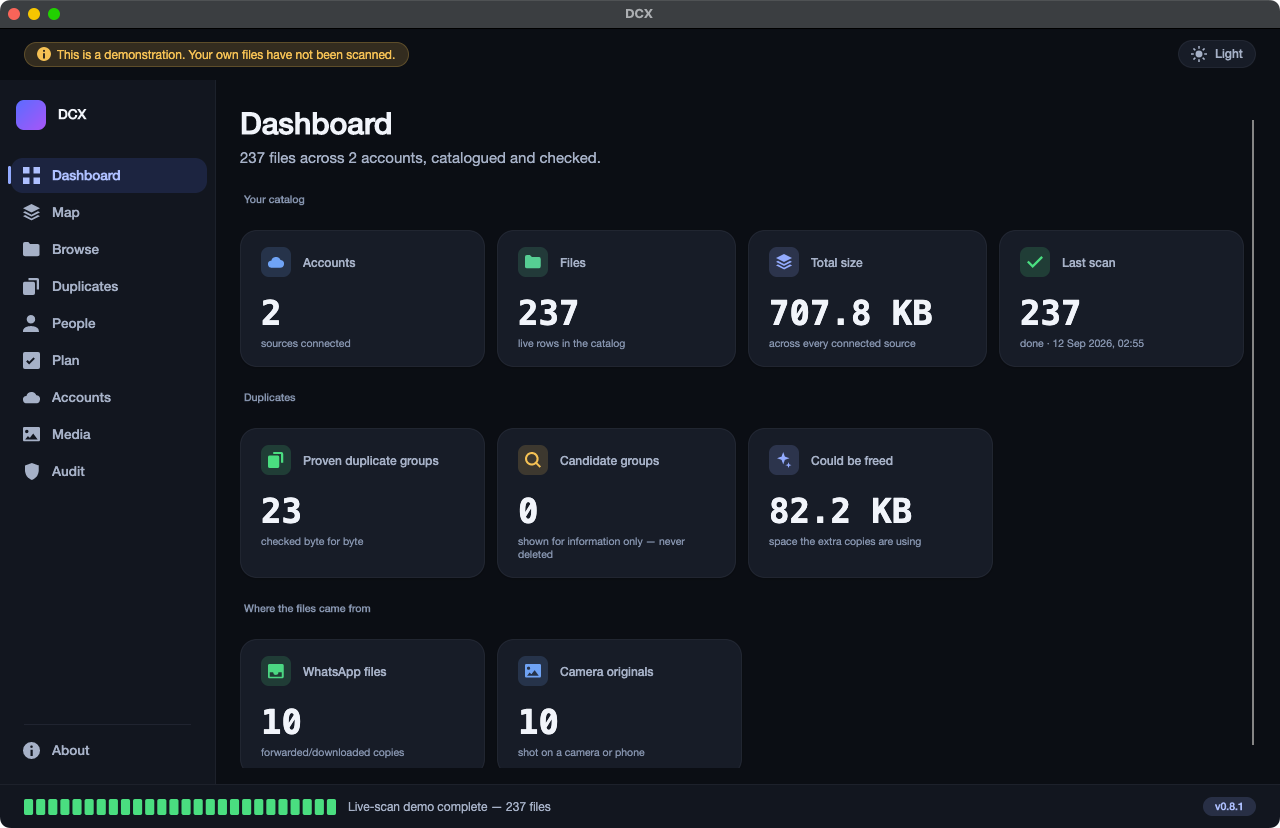
What is free, what you pay for
Everything up to the delete is free.
| What you get | Free forever | Paid once |
|---|---|---|
| Scan every cloud account and every drive, all at once | Yes | Yes |
| The Map — see where all your space went | Yes | Yes |
| Find every duplicate, proved byte-for-byte | Yes | Yes |
| See exactly how much space you could get back | Yes | Yes |
| See where each copy came from (which drive / which cloud) | Yes | Yes |
| Delete, merge or move the duplicates | No — find only | Yes |
| The junk cleaner | No | Yes |
| Photo tools (camera-vs-WhatsApp, on-device faces) | No | Yes |
No card required for the free tier, ever. It stays free for as long as you use it that way.
Questions
Plain answers.
Is this a subscription?
No. You pay once and the licence is yours to keep — a perpetual licence, not a rental. The only later cost is an optional paid major upgrade (about $19), and only if you decide you want the new version. There is no monthly fee anywhere.
What do I actually get for free?
The whole finding side, with no time limit and no card: scan every cloud and every drive, see every duplicate proved byte-for-byte, and see the exact space you could reclaim. You only pay when you want the app to act — to delete, merge or move.
Are there any ads, or any tracking?
None. No ads in the app, no ads on this site, no analytics, no usage reports, nothing that phones home. For a tool that can see your whole data estate, that is the entire promise.
How many computers does one licence cover?
The $39 licence covers one machine. The $59 household tier covers several of your own machines — the exact number is still being finalised for owner, with a Mac at home plus a Windows laptop as the guiding case.
Do you ever see my files, to answer a support question?
No. Nothing about your files reaches us — there is no server on our side that your files pass through. If you ever need help, you would be describing what you see on your own screen, the same way you would to a friend.
Can I get a refund?
The refund policy has not been published yet for owner. It will appear here, and in the terms, before the app goes on sale.