Find every duplicate hiding across your clouds and drives — in one scan, on your own computer, with nothing uploaded.
The only duplicate finder that sees all your clouds and all your drives at once — and proves every match before you delete.
See it work
Watch one scan reclaim 40 GB — nothing uploaded.
The 90-second demo
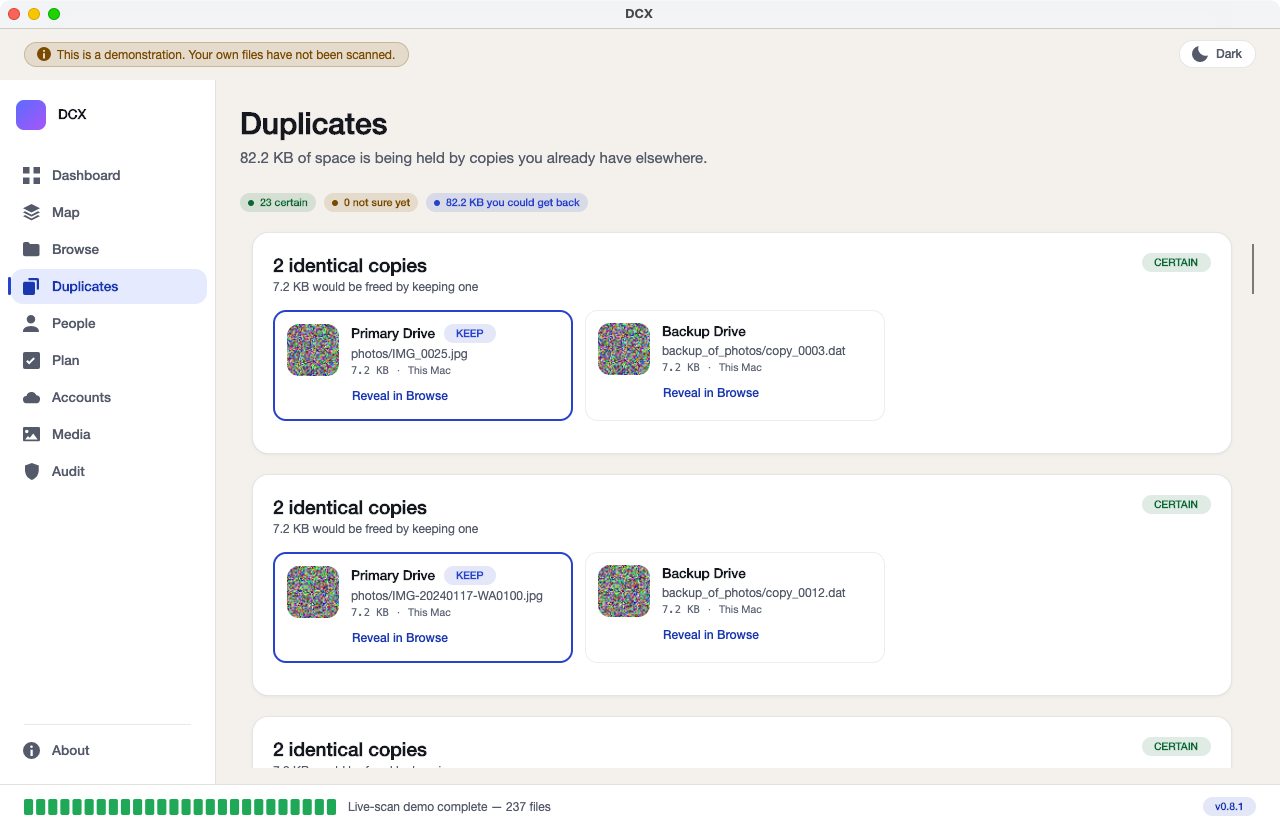
Watch it find the same photo copied across Google Drive + OneDrive + two external drives, prove it is the same file byte-for-byte, and reclaim 40 GB — without uploading a single file.
FOR OWNER: 90-second hero video to be added here for owner
How it works
Free to find. Pay to clean up.
Four steps. The first three are free, forever. You only pay when you decide to act.
Connect once
Point it at your cloud accounts and your drives — internal, external, the ones in the drawer. Your logins stay on your own computer.
FreeOne scan, everything
It looks across all your clouds and all your drives at the same time — most tools only see one place at once.
FreeSee every duplicate
Every copy, side by side, with the exact space you could get back. Look all you like — this part never costs anything.
FreeProve it, then act
When you are ready, delete, merge or move — each match proved byte-for-byte first, and everything going to the Trash, never wiped.
Pay once to unlockFinding is free forever so you can see the whole picture before you spend a cent. See pricing →
Why you can trust it with a delete
It deletes files across your whole data estate. So it is built to be provably safe.
This is not a website you upload to. It is a program that runs on your own computer, made by a real, named firm — and built so a wrong delete cannot happen quietly.
- On-device. Nothing uploaded. Your files, your file list and your logins stay on your machine. When a copy moves between two of your own clouds, it goes directly — never through any computer of ours, because we do not run one.
- It never hard-deletes. Files go to your Trash or Recycle Bin, on the drive or cloud they lived on, with one-click restore. Nothing is wiped for good.
- Every match is proved byte-for-byte before anything is touched. It takes a fingerprint of the file itself, not the name, and re-checks it in the last moment before that exact file is removed.
- A safe copy must still exist somewhere else — checked again at the last second. If the other copy has gone missing, the file is left alone.
- Mac and Windows, the same app — built from the same code, not a cut-down version.
- No tracking, no analytics, no ads — ever. This app, and this website, do not phone home. That is the whole point.
Honest status: the app is finished as a program. The last step before sale is the security signing that lets Mac and Windows recognise it as safe on first launch — signed, notarised builds are in final preparation. Until that is done there is nothing to download, and we would rather say so than put up a button that does not work.
Once it can see everything, it can do a little more.
These come after the main job, not instead of it. The one thing Keepory does is find every duplicate everywhere.
Junk cleaner
Found your duplicates? Clear the caches, logs and old installers your computer has quietly collected too — same review-first, Trash-only safety.
See the cleaner →Photos
Tell the ones you took from the ones you were sent on WhatsApp, and sort every face on-device — no photo, no face, no name ever leaves your machine.
See the photo tools →Provenance
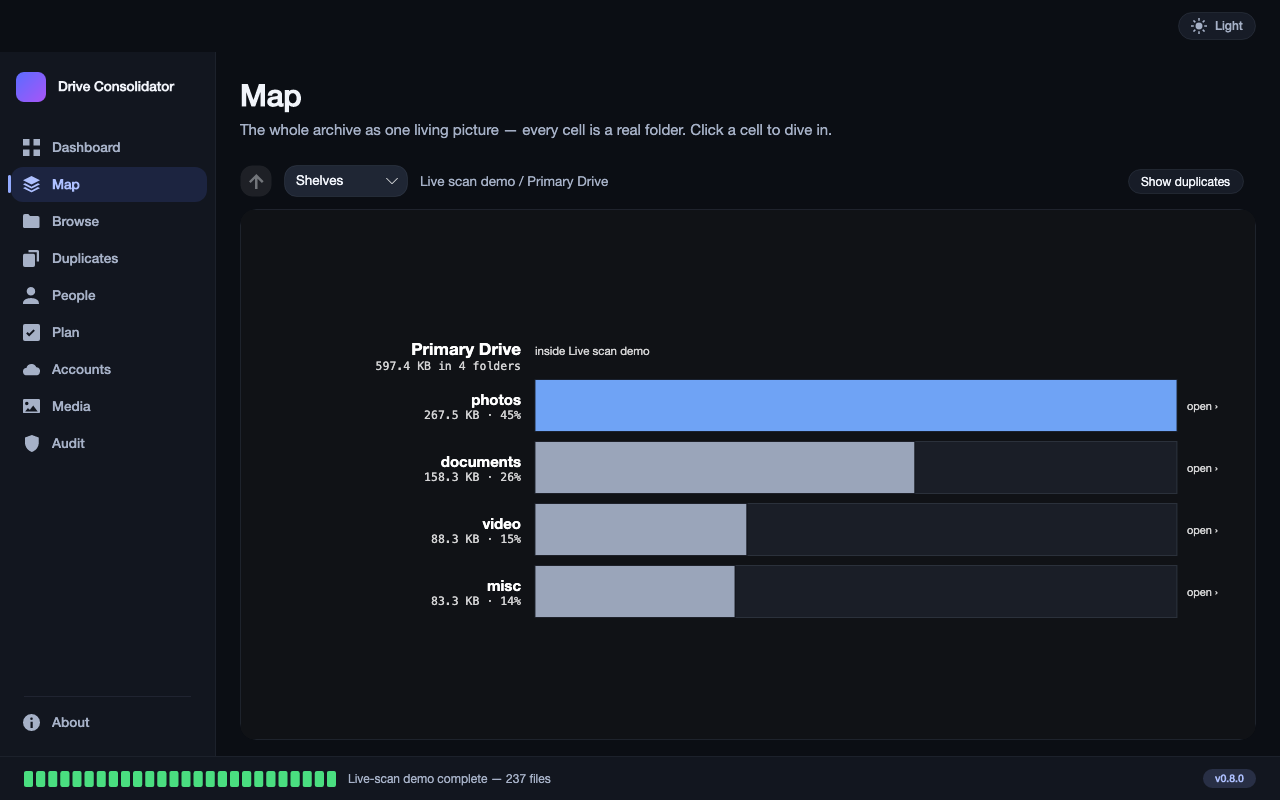
For every copy it finds, it shows which drive or which cloud it came from — so you always know exactly what you are keeping and what you are clearing.
See the finder in depth →Price
Free to find. Pay once to clean up.
No subscription. No ads. Ever.
Scan every cloud and every drive, see every duplicate, and see exactly how much space you could get back. No card, no time limit.
A perpetual licence to delete, merge and move — not a subscription. One year of updates included. Household tier covers several machines.
Launch pricing shown — the owner may still adjust it before sale. See the full pricing page →